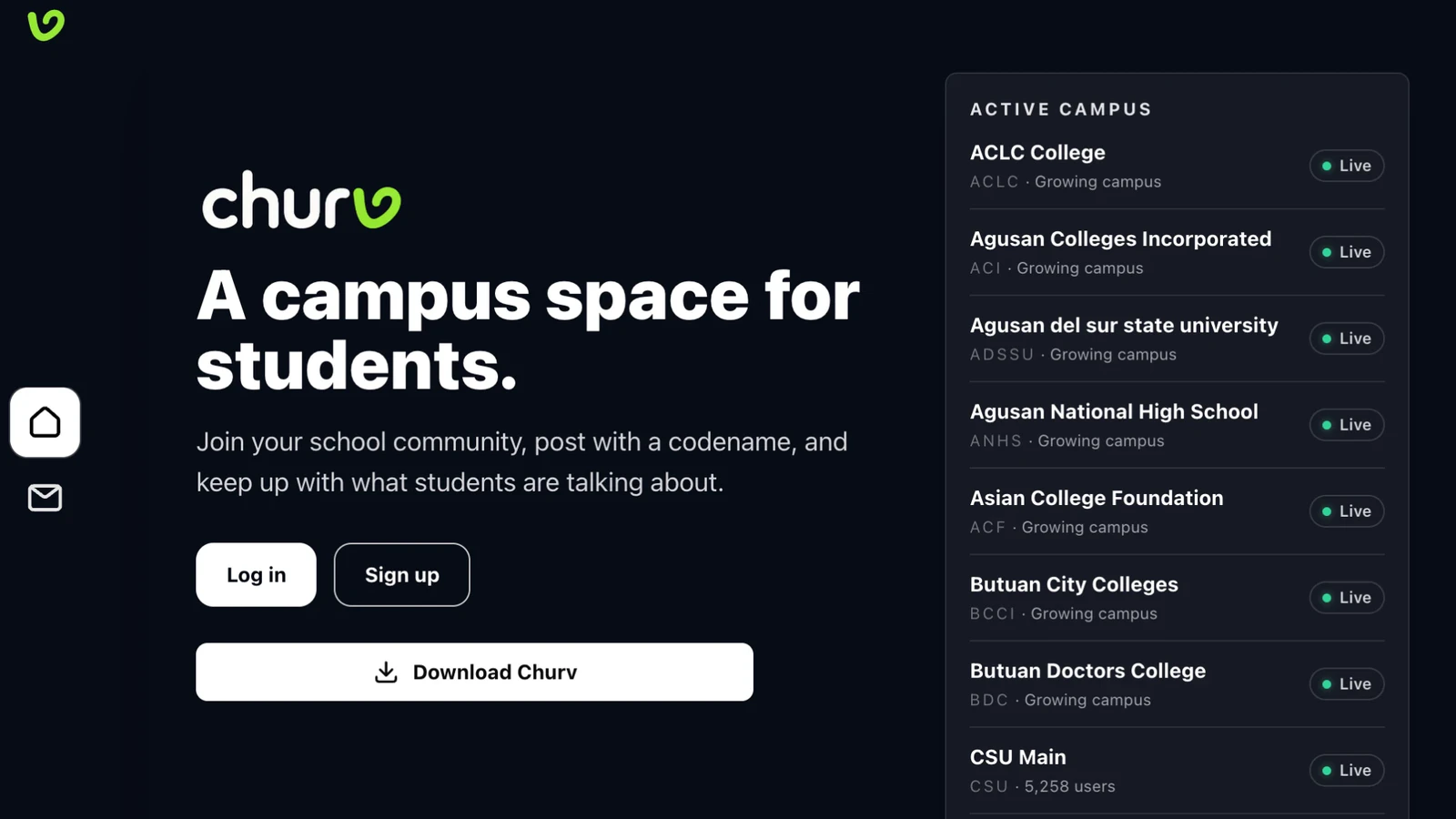
Churv is an anonymous college community platform where students post under codenames, react to what resonates, and connect within their campus.
As the platform grew, I saw a simple opportunity: the best conversations on Churv should not stay locked inside the app. They could help a campus Facebook Page reach more students and bring the right people back to the community.
The challenge was building that loop without turning every popular post into spam.
The problem
Manually sharing posts is slow and inconsistent. It also creates an awkward editorial bottleneck: someone has to notice the post, decide whether it is eligible, select the correct school Page, publish it, and make sure it is not shared twice.
That process does not scale across campuses.
I wanted the community itself to be the signal. If a post earns enough positive engagement, Churv should be able to recognize that moment and amplify it automatically.
The automation I built
I built a scheduled sharing workflow around Supabase Edge Functions and pg_cron.
Once an hour, the automation checks for posts that meet the sharing criteria. It only considers posts that are approved, belong to a configured school, and have crossed that school’s engagement threshold.
That last detail mattered. I did not hard-code one universal rule for every campus. Churv uses a data-driven school registry, so each school can have its own Facebook Page configuration and sharing settings.
The flow looks like this:
Student post → Community hearts → Threshold reached
      ↓
Hourly scheduled check → Eligibility validation
      ↓
Correct school Facebook Page → Published post → Saved permalink
The result is a small but meaningful distribution loop: campus engagement inside Churv can create visibility outside it.
Designing for safe automation
Automation is only useful when it behaves predictably, so I treated safety checks as part of the feature — not as cleanup work.
Before sharing, the function verifies that the post is eligible. Pending or rejected submissions are excluded. A post must also belong to a school with a valid sharing configuration.
I kept Facebook Page credentials out of the frontend entirely. The scheduled function uses server-side secrets, and the browser never receives the Page tokens or the administrative secret used to protect the endpoint.
I also track whether a post has already been shared. That makes the job idempotent: running it again should not create duplicate Facebook posts.
After a successful share, I store the Facebook post reference and canonical permalink. That gives the product a reliable bridge back to the original post instead of showing users a vague “shared” state with nowhere to go.
Why the school registry mattered
A multi-campus product can become brittle quickly when campus identity is scattered through conditionals.
Instead, I treated schools as data. The registry holds the details the product needs to understand a campus, including the configuration used by the sharing workflow.
That means launching a future school is not about rewriting the automation. It is primarily about supplying the school’s data and enabling its configuration.
For me, that was the most important architectural choice in the feature. The automation is reusable because the campus-specific details are not embedded in its logic.
What I learned
The interesting part was not connecting to the Facebook API. It was deciding what the automation should trust.
I chose to trust community engagement, but only inside clear boundaries: approved content, school-aware configuration, secure credentials, and durable share state.
The result is a system that turns a positive community signal into external reach without requiring someone to sit in an admin panel every hour.
It is a good example of the kind of automation I want to build: quiet when everything is working, observable when it is not, and designed to scale with the product instead of becoming another manual process.